
Design and ship a website
with Codex.
Build your own website to showcase your favorite things. Add your picks, connect a monthly-picks signup, and publish a link to share.
Build and publish your own website to showcase your favorite things, from books and music to everyday finds. Learn how it works so you can keep adding to it after.
Your own site, live at a real link. No coding experience needed.
The tools we'll use.
Your coding agent, a design canvas, and the tools to publish your site and connect your email list. We walk you through the setup before we meet.
Your coding agent for this workshop. Turn ideas into code, understand what it built, and make changes together. Requires ChatGPT Plus or higher, billed separately.
Design your pages on a visual canvas, then bring that design into your code.
Keep your code, save your progress, and roll back changes when you need to.
Publish your site at a real link. Push a change to GitHub to update it.
Connect your monthly-picks signup and start building your email list.


How the workshop flows.
Go beyond vibe coding. Understand how the pieces work, learn the building blocks of a well-designed website, and feel confident making changes and experimenting.
Get set up.
Before we meetGet Codex, Paper, GitHub, Vercel, and Kit ready with our setup guides. Join the optional office hours if you need a hand.
Meet your tools.
See what each tool does, how they fit together, and where design, code, hosting, and your email list live.
Learn the workflow.
Follow the path from a blank page to a published site: design in Paper, build with your coding agent, save to GitHub, and publish with Vercel.
Build a real site, together.
Walk through your own favorites site step by step. Make it yours, connect your Kit signup, and publish a site you can keep editing and growing.
Bonus lesson
Keep building on the go.
See how to connect your GitHub project to Codex in the cloud, so you can make changes and publish updates away from your laptop.
What you'll build.
A website to showcase your favorite things: books, music, everyday objects, or whatever you're into. Everyone builds their own site, with a grid of favorites, pick details, an about page, and a monthly-picks signup.
ALEX’S PICKS.
GOOD THINGS, ON REPEAT.
I’m Alex. A few things I read, use, listen to,
and always recommend to friends.
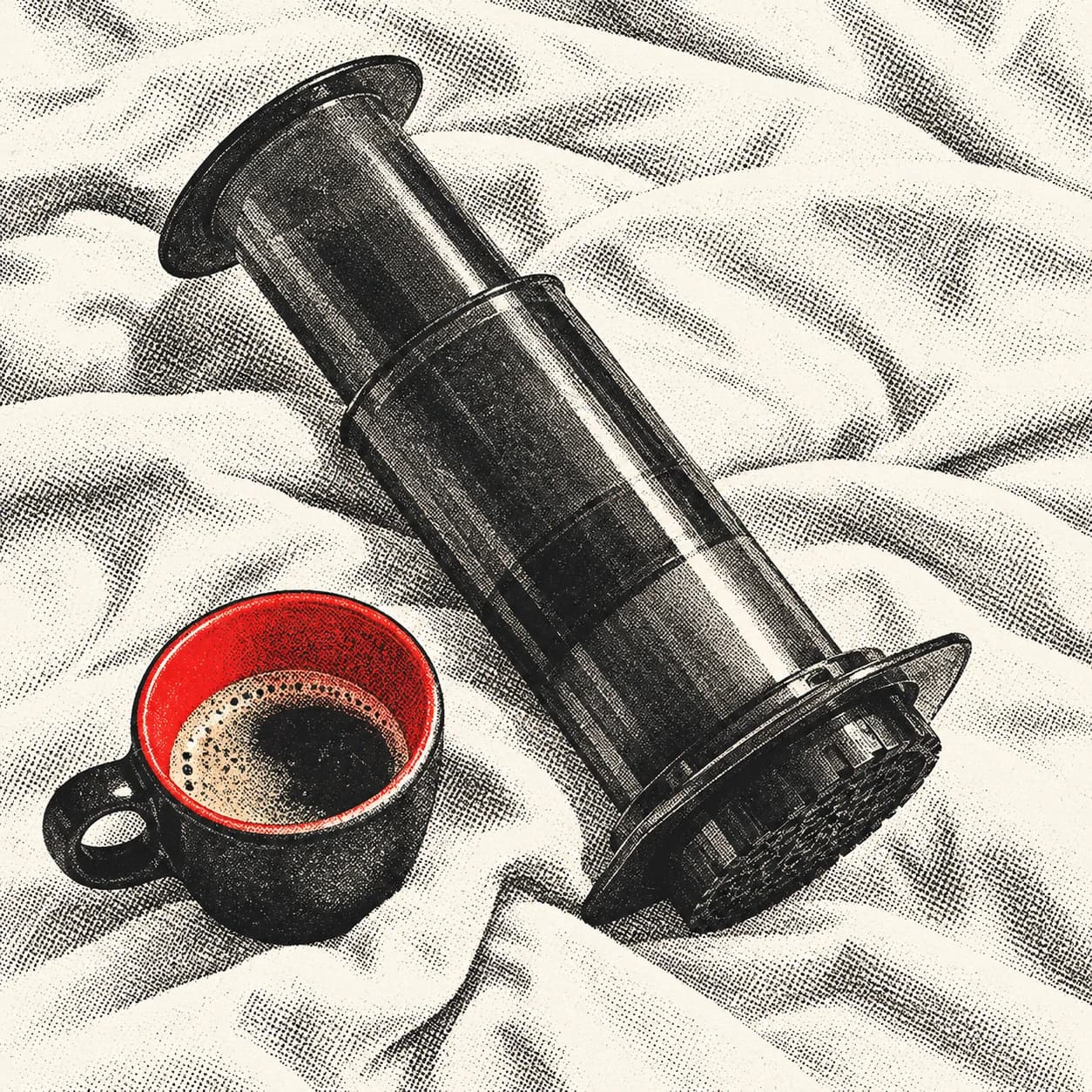
AeroPress Original
My one non-negotiable morning ritual.
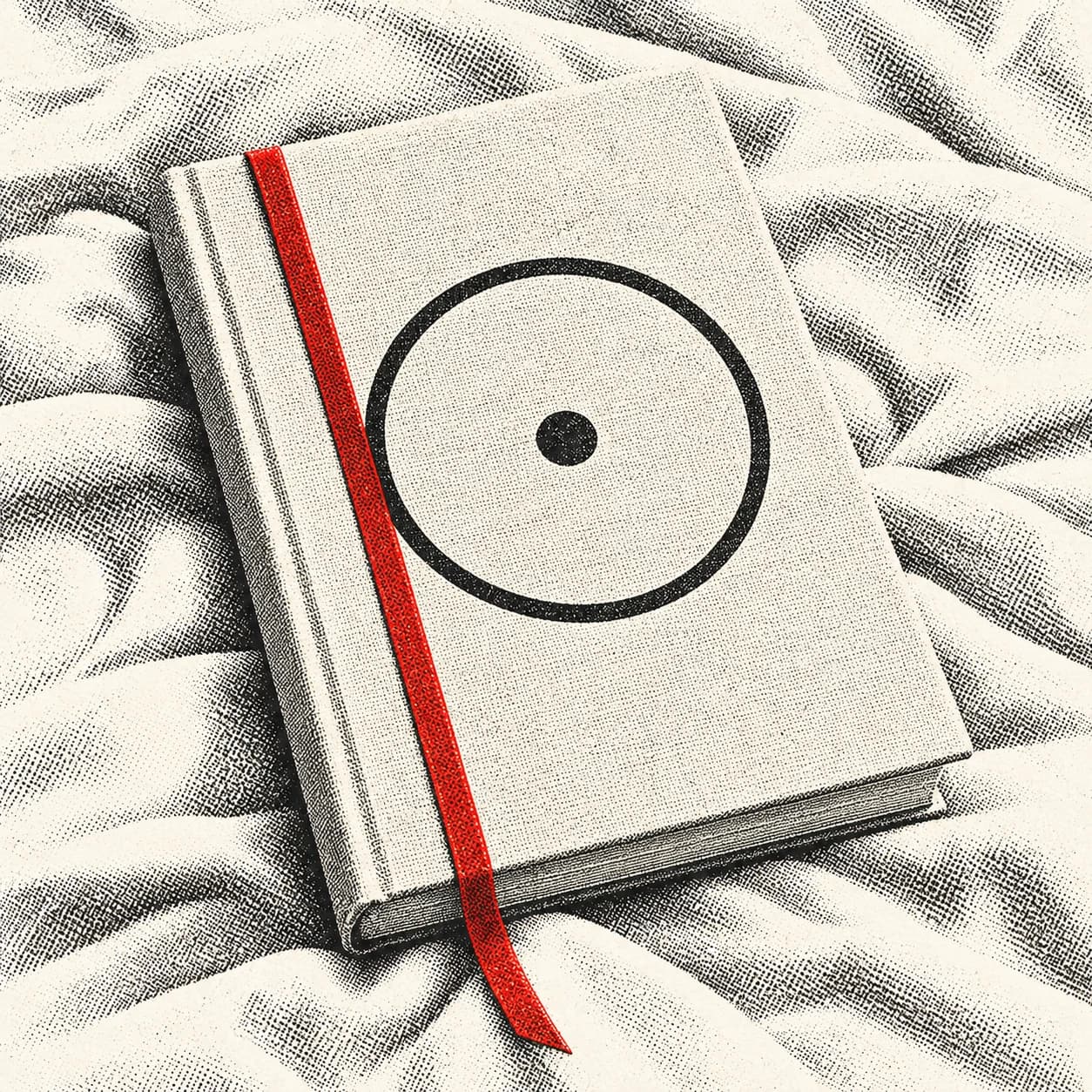
The Creative Act
A book I keep opening at random.
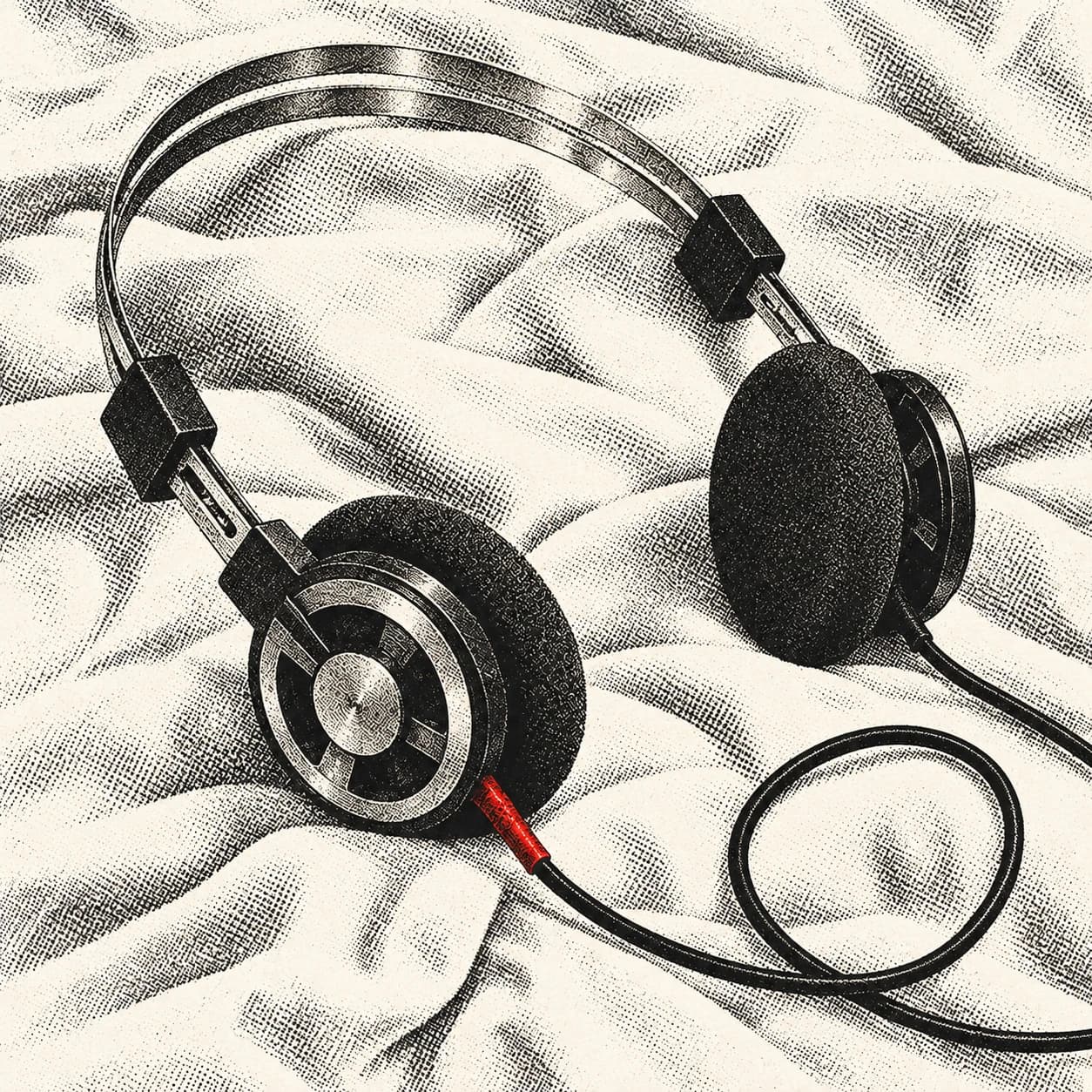
Koss Porta Pro
Big sound. Delightfully tiny headphones.

Field Notes
For ideas that don't need another app.
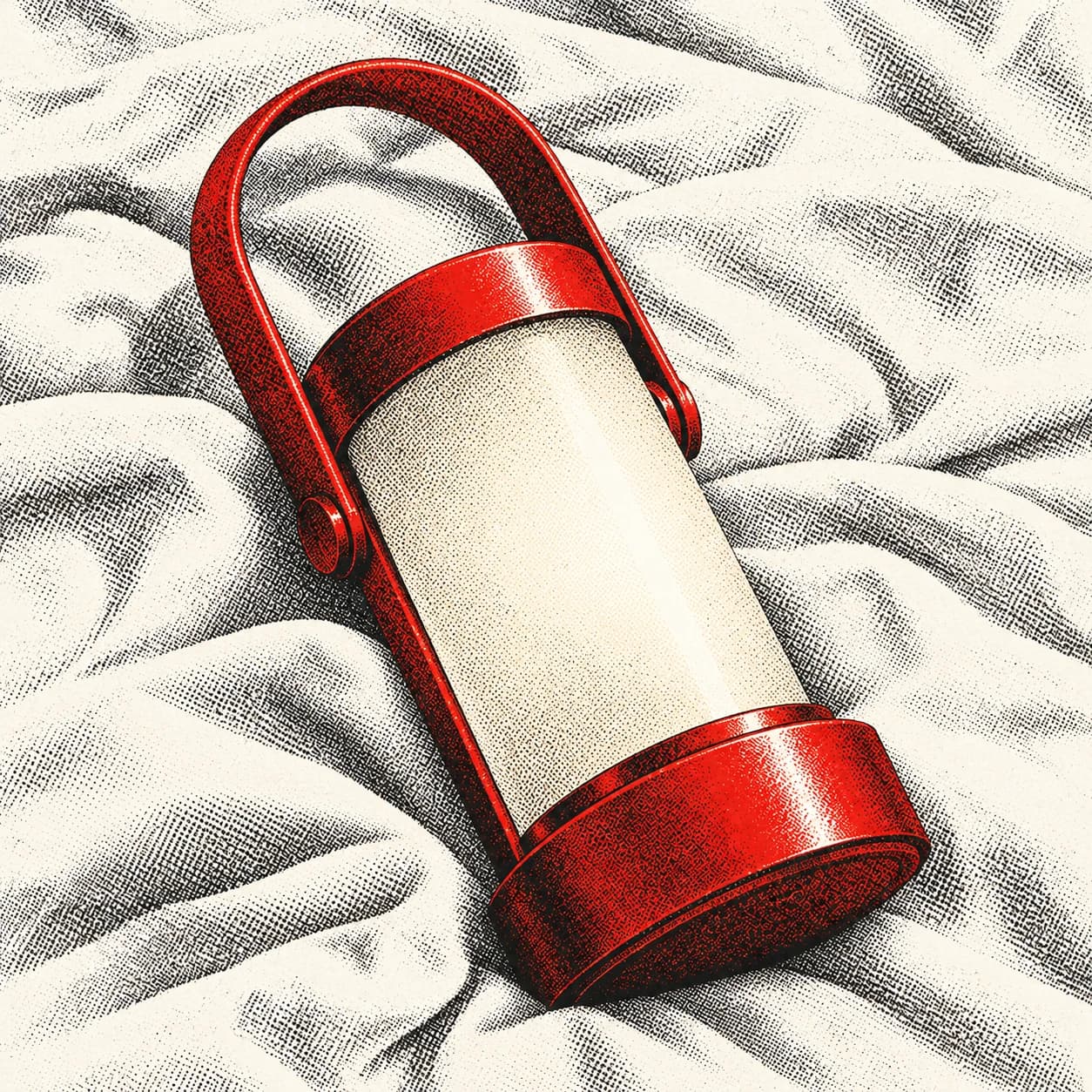
Tala Muse
A little pool of light, wherever I land.
The Universe Smiles Upon You
The soundtrack to a slower Sunday.
GOOD MAIL.
ONCE A MONTH.
A few new finds, a few old favorites. From me to you.
One email a month. Unsubscribe whenever.
/Your picks board
A grid of favorites built from reusable PickCards, with categories and a Kit signup for monthly picks. Add a name, a short note, and a link for each thing you recommend.
AeroPress Original
My one non-negotiable morning ritual.
Why it’s a keeper
A little coffee maker that comes everywhere with me. It's quick to clean, hard to break, and makes a lovely cup without taking over the kitchen counter.
A little more detail
My routine: a medium-fine grind, hot water just off the boil, and a slow press. Best enjoyed before opening any tabs.
Take a look aeropress.comJust a personal recommendation. No paid placements.
GOOD MAIL.
ONCE A MONTH.
A few new finds, a few old favorites. From me to you.
One email a month. Unsubscribe whenever.
/picks/aeropressA closer look
Give a pick its own address, with why you love it, useful details, and a link to find it. Reuse the same layout as your collection grows.
GOOD TASTE
IS PERSONAL.
I’m Alex. Reader, record collector, and the friend who always has a recommendation.
This is a home for the things that earn their place in my everyday life. A book I keep opening. A record I know by heart. A small object that makes a morning better.
No rankings or endless reviews. Just a growing collection of things I love, with a few notes on why they’re worth your time.
GOOD MAIL.
ONCE A MONTH.
A few new finds, a few old favorites. From me to you.
One email a month. Unsubscribe whenever.
/aboutAbout you
Tell people who's behind the picks. Reuse the nav and monthly-picks signup, so the whole site feels like one personal collection.
Built live, together
The picks board, a pick detail page, an about page, the Kit signup, and publishing to a real link. Everyone follows the same steps.
Made yours
Your name, favorite things, personal notes, links, colors, and styling. A site you can share with friends and keep adding to after the workshop.
Extra polish, for later
Some finer details in the example are finishing touches. Nice to add after, not needed on the day.
What your $79 covers.
Setup guides and videos
Sent by email one week before the workshop, so you can get your tools installed and signed in at your own pace.
Setup office hours
An optional 30-minute session before the workshop, if you'd like a hand. We email you the booking link one week before the workshop.
The asset pack
Example picks and images, sent before the workshop. Alex’s Picks shows how they fit together; use them to get started on your own site or bring your own favorites.
The two-hour live workshop
Build the project together on Zoom, step by step, with time for questions.
The recording
Download it and keep it. Rewatch any part as often as you like, whether or not you made it live.
What you'll bring.
A Mac or Windows laptop
One you can install apps on. Chromebooks and iPads won't work for this one.
ChatGPT Plus or higher
You'll use Codex throughout this workshop. Your AI subscription is billed separately from the $79 workshop ticket.
Paper, GitHub, Vercel, and Kit accounts
GitHub, Vercel, and Kit have free plans. The setup guides walk you through the accounts and getting Paper ready.
No coding experience
Just some curiosity and a few favorite things you'd like to share. Books, tools, recipes, places, and playlists all work. You can use the example picks to start.
What you'll learn
along the way.
Your agent writes the code. We stop at each step so you understand what it made and why, in plain language. These are the basics this workshop covers.
Components and design systems
Build the nav, buttons, monthly-picks signup, and pick cards once, then reuse them. One list supplies the picks; tokens keep colors, type, and spacing consistent.
Pages and routing
How the picks board, individual pick details, and about page get their own addresses, and how cards and links connect them.
Git and GitHub
Save your progress with commits and push it to GitHub, so nothing gets lost and mistakes are easy to undo.
Hosting
Publish to Vercel and get a link you can share. After that, every push to GitHub updates the live site on its own.
API keys
Connect “Get my monthly picks” to your own Kit list, and keep the API key in an environment file, out of your code and out of Git.
Working with an agent
How to ask for what you want, check what it made, and steer it back when it goes sideways. The skill that carries into everything you build next.

Learn with Jeff.
I’m Jeff Buzulencia, founder of Blank Slate Labs, an AI-native product studio. I’ve spent the last decade building AI products from zero to one, leading product and go-to-market teams at startups from pre-seed through Series A.
I also host the club’s free build nights in NYC, where I demo something new and then everyone builds together.
Before you book.
Questions about this workshop. Anything else? Email support@productbuildersclub.com.
- What kind of website will I build?
- Your own website to showcase your favorite things. Alex’s Picks is just our example: everyone creates their own site with their name, favorite books, music, tools, places, or everyday objects. You'll build a grid of picks, detail pages, an about page, and a monthly-picks signup, then publish a link to share.
- Can I use my own favorites and keep adding more?
- Yes. Bring a few things you love, or start with the example picks. You'll customize your name, notes, links, and styling. The picks live in one list in your project, so you can ask your agent to add another item or expand its details and publish the update after the workshop. An editor or database isn't part of this session.
- What does the Kit signup do?
- Visitors can ask to get your monthly picks by email. We'll connect the form to your own Kit account so subscribers land on your list. You write and send the newsletter in Kit when you're ready; the site doesn't send emails automatically. The preview on this page shows the design only and doesn't collect email addresses.
- How do I join on the day?
- It's live on Zoom. Luma sends you the Zoom link once you register. Get your tools ready with the setup guides before you join, so we can start building right away.
- When will I get the setup guides?
- We email you the setup guides and videos, along with the booking link for optional setup office hours, one week before your workshop. You'll have time to get your tools ready and book a 30-minute session if you'd like a hand.
- What happens in the setup office hours?
- It's an optional 30-minute session before the workshop. Bring whatever's stuck, like an install that won't finish or an account that won't connect, and we'll sort it out together. We email you the booking link with the setup guides one week before the workshop.
- Do I need coding experience?
- No. This one is made for beginners. Your coding agent writes the code while you learn how to guide it and how the pieces fit together.
- Is this the Codex workshop?
- Yes. Every date on this page uses Codex and needs ChatGPT Plus or higher. We also offer the same project as a separate Claude Code workshop. You only need to book one; choose the tool you already pay for or want to learn.
- What if I can't make it live?
- You still get the recording to download and keep, so you can follow along at your own pace. Prefer another date? Email support@productbuildersclub.com and we'll try to switch you.
- Can I get a refund?
- Yes, any time before the workshop starts. Just email support@productbuildersclub.com. Once it starts, it's non-refundable, since everyone gets the recording either way.
Grab a date. Come build it with us.
Two hours, live on Zoom. Leave with your own picks site at a real link, a monthly-picks signup, and the know-how to keep adding favorites.
Choose your date